Route feedback to 30+ tools with rules that match your workflow
Instant or digest, per-form or global. Send submissions to Slack, Jira, Linear, webhooks, and more—based on conditions you set.
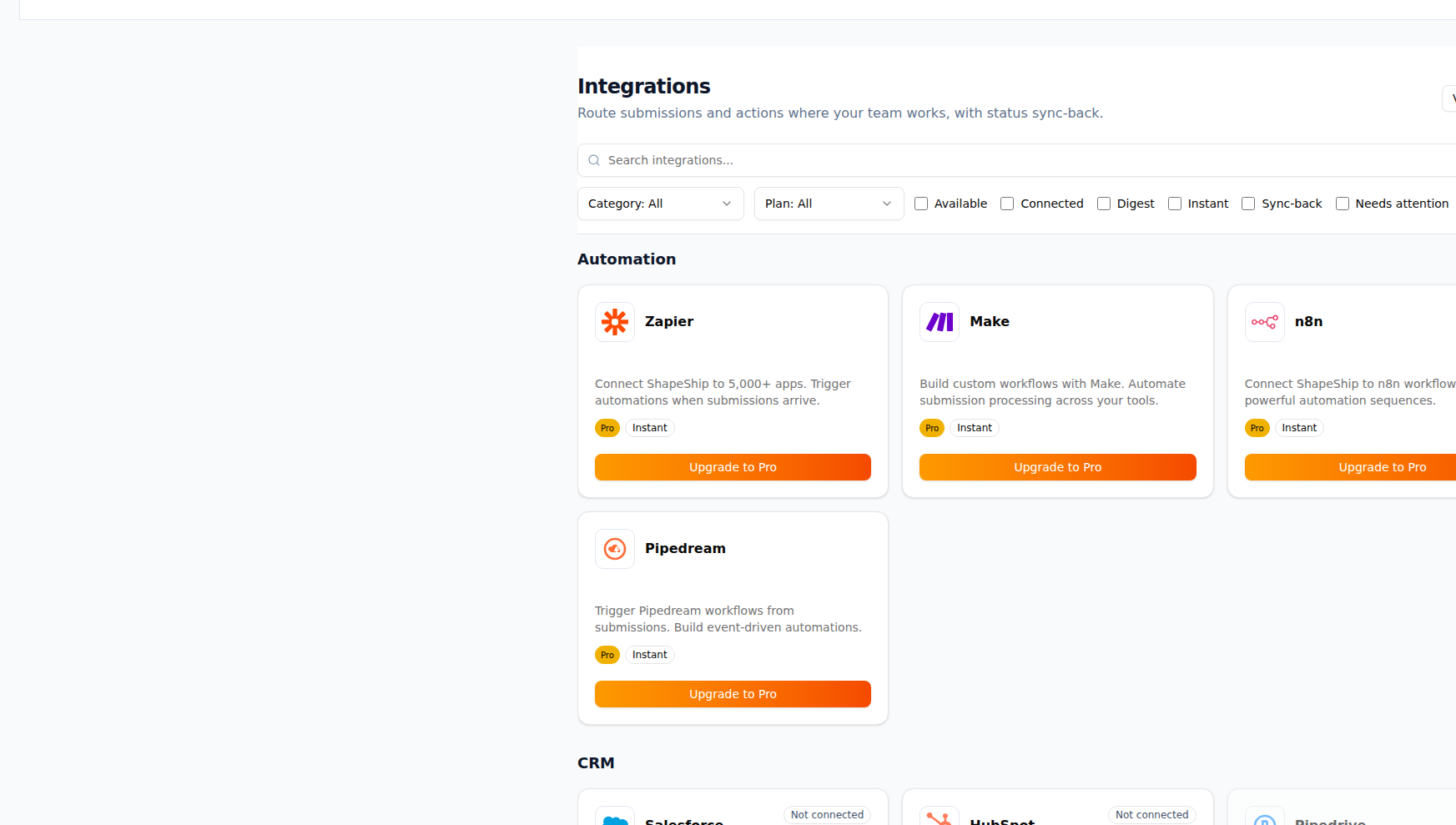
What Routing Rules gives you
Send the right feedback to the right place, automatically.
Condition-based routing
Route by form, label, sentiment, keyword, or custom fields. Only matching submissions go to the selected destination.
Per-form routing
Set different rules per form. Route feedback form A to Jira and form B to Slack or email digest.
Instant vs digest
Send each submission immediately (instant) or batch them in a digest (daily/weekly). Choose per destination.
Webhook routing
POST submissions to any webhook. Use for custom tools, internal APIs, or automation platforms.
Multi-destination routing
Send one submission to multiple destinations (e.g. Slack + Jira + webhook). Each rule can have its own conditions.
30+ integrations
Native connectors for Slack, Jira, Linear, GitHub, email digests, Notion, and more. Plus Zapier and webhooks for the rest.
How it works
Connect integrations
Link Slack, Jira, Linear, webhooks, or other destinations in ShapeShip. One-time OAuth or API key setup.
Add routing rules
Create rules per form or global: set conditions (e.g. label = bug, form = Support) and pick a destination and delivery (instant or digest).
Deliver submissions
New submissions that match a rule are sent to the right channel, project, or webhook. Digest rules batch and send on schedule.
Adjust as you grow
Edit, reorder, or disable rules anytime. Add new forms and destinations without changing existing routing.
Frequently asked questions
Works with your tools
Slack
Get instant notifications in Slack when Form submissions arrive
Jira
Create Jira issues directly from ShapeShip Form submissions (Pro only)
Linear
Create Linear issues from ShapeShip Form submissions. Sync status automatically.
Zapier
Connect ShapeShip to 6000+ apps via Zapier webhooks
Webhooks
Custom webhooks for any integration
Use cases
Route Form Submissions to Jira
Automatically create Jira issues from Form submissions. Keep your product backlog and customer feedback in sync.
Route Form Submissions to Linear
Automatically create Linear issues from Form submissions. Sync status and keep your roadmap aligned with customer feedback.
Get Slack Alerts for Form Submissions
Get instant Slack notifications when Form submissions arrive. Never miss important feedback.
Connect Forms to Automation Platforms
Connect Form submissions to Zapier, Make, n8n, or Pipedream. Build custom automation workflows with 6000+ apps.
Ready to use Routing Rules?
Start capturing and acting on feedback today. Free plan includes everything you need.