AI-powered labeling and taxonomy for feedback
Auto-categorize submissions, detect themes and sentiment, and align feedback to your taxonomy—so you can scale triage and insights.
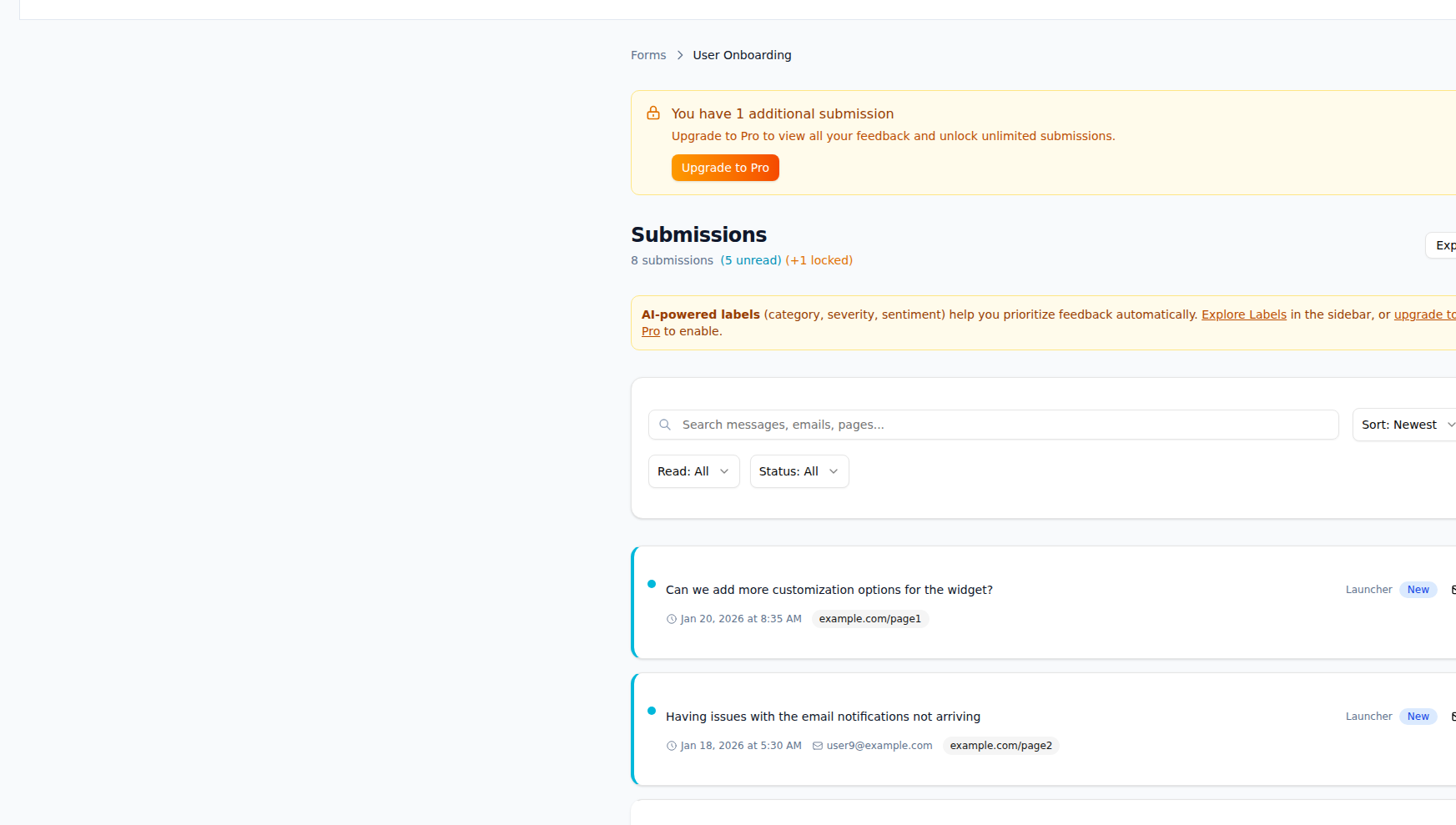
What AI Labeling & Taxonomy gives you
Automatically categorize and understand feedback at scale.
Automatic categorization
AI suggests or applies labels from your taxonomy to each submission. Reduce manual tagging and keep categories consistent.
Taxonomy management
Define and edit label sets (e.g. type: bug, feature, question). AI uses your taxonomy so labels match how your team works.
Theme and trend detection
Surface recurring themes and trends across submissions. Spot emerging topics and volume changes over time.
Sentiment analysis
Get positive, neutral, or negative sentiment per submission. Use sentiment in routing rules and dashboards.
Topic extraction
Extract main topics and keywords from free text. Feed insights and reports without reading every submission.
Intent signals
Identify customer intent (e.g. request, complaint, question). Route and prioritize based on intent and labels.
How it works
Define your taxonomy
Create or import label sets (e.g. type, area, priority). Optionally map labels to routing or actions.
Enable AI labeling
Turn on AI labeling for a form or the whole inbox. New and existing submissions can be processed.
Review and refine
AI applies suggested labels. You can correct and bulk-edit; over time the model aligns to your choices.
Use in routing and insights
Use labels and sentiment in routing rules and in dashboards. Filter and report by category and trend.
Frequently asked questions
Works with your tools
Ready to use AI Labeling & Taxonomy?
Start capturing and acting on feedback today. Free plan includes everything you need.